Simplify document management with iLovePDF Business
Efficient, reliable, and secure solutions for all your PDF needs – empower your business with seamless PDF integration and collaboration tools.

Trusted by well known companies

















Top-rated for user-friendly interface and versatile PDF tools
Customers trust iLovePDF as a reliable solution, ideal for managing complex business workflows seamlessly
Capterra, 2026
Software Advice, 2026.

Capterra, 2026
G2, 2026
Your all-in-one platform for your document needs
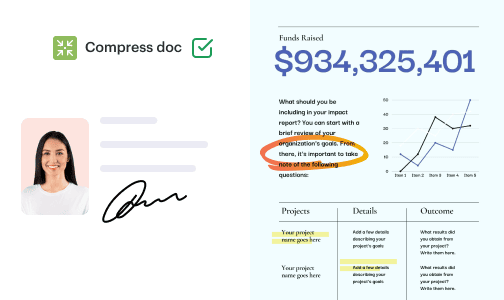
One platform to work easily
Convert and Compress: Convert PDFs to and from various file formats (Word, Excel, PowerPoint) and compress files without losing quality.
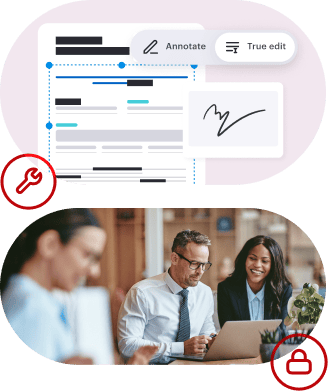
Edit and Annotate: Add text, images, annotations, and watermarks. Merge, split, and reorganize pages to tailor documents to your needs.
E-signature: Sign documents digitally and request signatures from others, streamlining your approval processes.
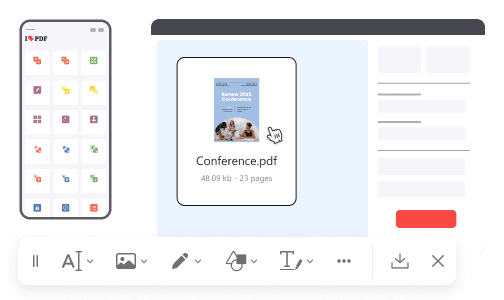
Reshaping productivity for your Business
Easy to use: Navigate effortlessly through a clean and intuitive interface designed for simplicity and efficiency.
Work from any device—be it desktop, tablet, or mobile. This ensures that your team can work on PDFs seamlessly, whether they are in the office, at home, or on the go.
API Integrations: Connect with other applications like Odoo, ChatGPT, and WordPress.
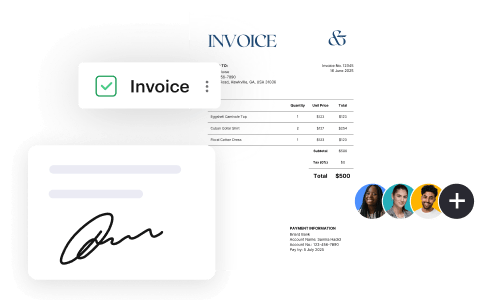
Signatures your team can trust
Advanced Electronic Signatures (AES): Go beyond a simple signature with verified signer identity and tamper-evident documents, for contracts where proof matters.
eIDAS ready: Built on the European standard for electronic signatures, so your agreements are recognized across the EU.
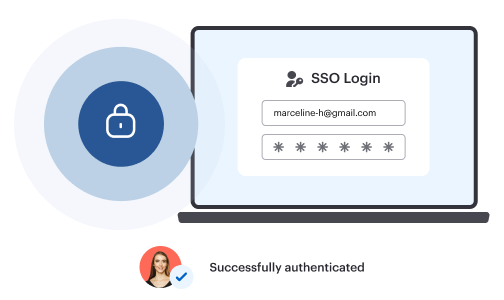
Document security
Enterprise-Level Security: Protect your documents with advanced security measures, including multifactor authentication (MFA), single sign-on (SSO), and data encryption.
Compliance: Meet industry standards and regulations, with features designed to support compliance requirements.


More than 30 tools to handle PDF tasks
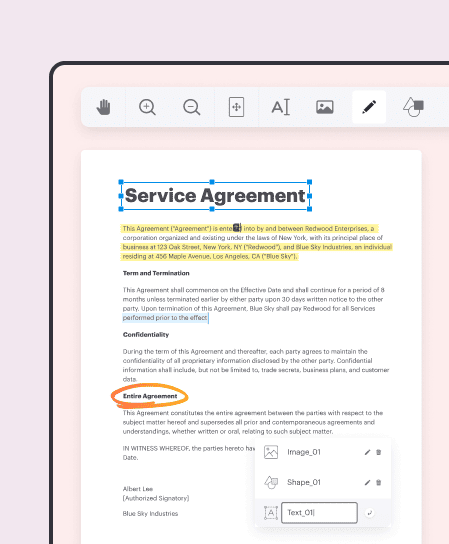
Edit PDF text
- Modify existing text directly within a PDF, eliminating the need to convert to another format for edits.
- Update or correct information quickly and efficiently, saving time on document revisions.
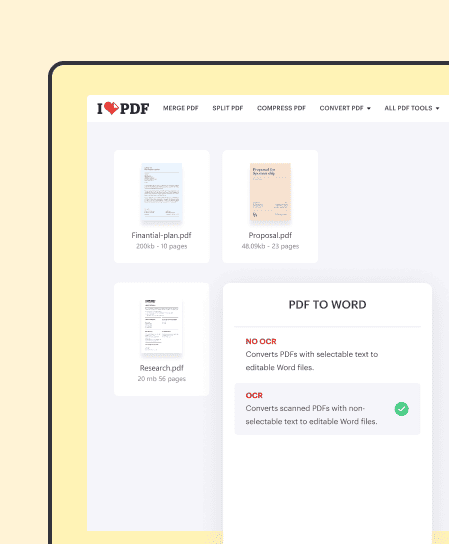
Convert PDF and Office
- Seamlessly convert PDF documents to Microsoft Word, Excel, and PowerPoint formats and vice versa.
- Enhance document usability and editing flexibility by easily switching between PDF and Office formats.
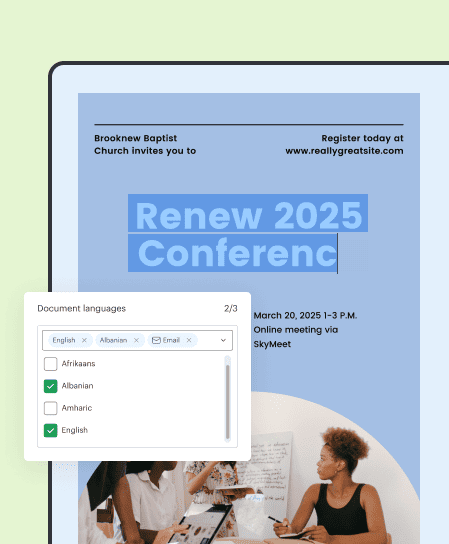
Text Recognition with OCR
- Transform scanned documents and images into searchable and editable text, improving data extraction.
- Enhance document accessibility by converting printed or handwritten text into machine-readable text.
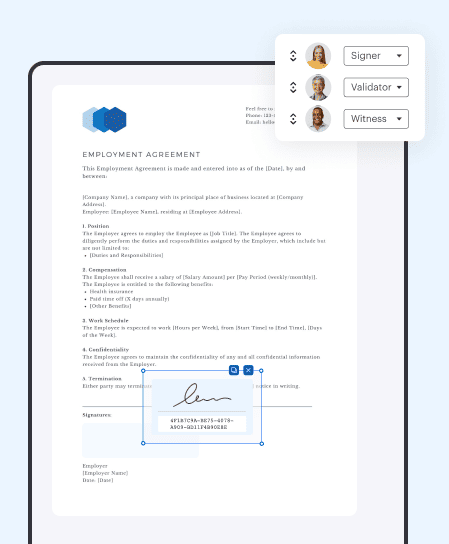
e-Sign
- Digitally sign PDF documents, making the signature process faster and more convenient.
- Ensure document integrity and authenticity with secure electronic signatures.
Redact and Compare PDF
- Permanently remove sensitive information from PDFs to protect privacy and confidentiality.
- Identify and highlight differences between two versions of a PDF, simplifying document review.
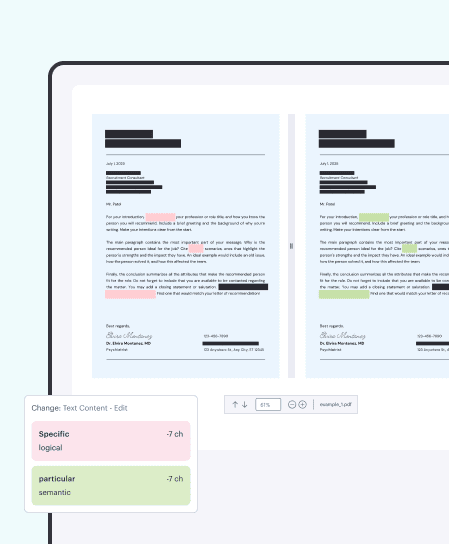
Annotate PDFs
- Add comments, highlights, and drawings to PDFs, facilitating collaboration and feedback.
- Use various annotation tools to mark up documents for clarity and improved communication.
Merge and Split
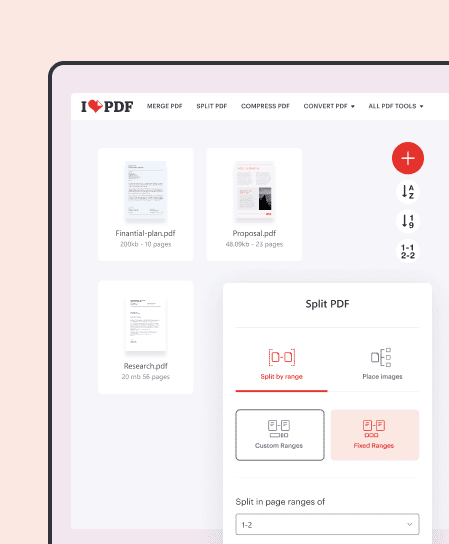
- Combine multiple PDFs into a single document for easier organization and management.
- Split a large PDF into smaller files, making it easier to handle and distribute.
Transforming document workflows worldwide
Top 25
most-visited website worldwide
16.5M
documents processed every day
20K+
businesses utilizing iLovePDF
4.9
on Trustpilot

"iLovePDF has revolutionized our document management process. The seamless conversion, compression, and editing tools have saved us countless hours, and the intuitive interface makes it easy for everyone on our team to use. We can now handle all our document needs in one place, improving our workflow efficiency significantly. Highly recommend iLovePDF for any business looking to streamline their document tasks!”
Tristan Lecrivain
Head of Regional Sales at Saab
Designed for enterprise
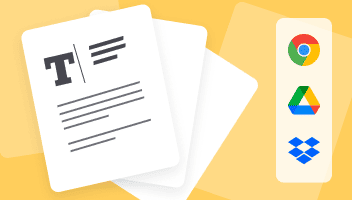
- Batch-process documents to save time and improve efficiency.
- Integrate with Google Drive and Dropbox for seamless productivity.
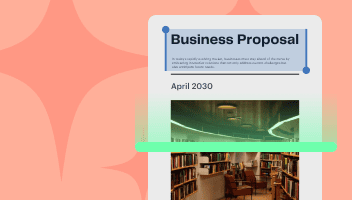
- Extract text from scanned files using AI-powered OCR.
- Automate tasks and enhance output with AI-driven tools.

- Protect data with end-to-end encryption.
- Translate, summarize, and convert to Markdown, all with one set of AI Credits

- Personalized support from a dedicated manager.
- Custom technical setups for your business needs.

- Manage roles and permissions via a central dashboard.
- Share logos, templates, and branding materials consistently.
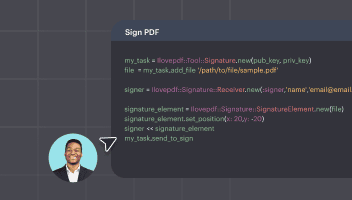
- Easy integration with guides and examples.
- Automate tasks triggered by document events.
Discover how iLovePDF simplifies document management for your business sector
Human Resources
- Document Management: HR professionals often handle a high volume of documents such as resumes, contracts, and employee records. iLovePDF allows easy merging, splitting, and annotating of PDFs, streamlining document management.
- e-Signatures: The e-Sign feature simplifies the onboarding process by enabling quick and secure electronic signing of employment contracts and other HR-related documents.

Legal Industry
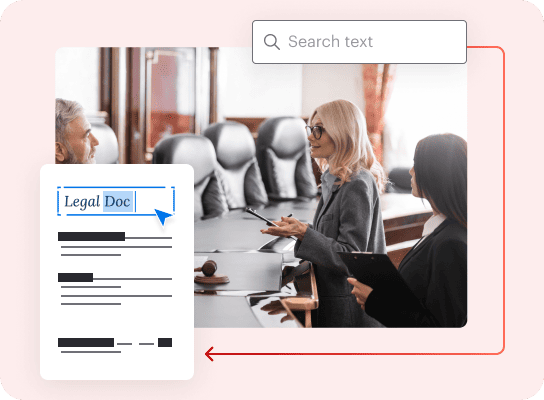
- Redaction and Compare: Lawyers frequently work with sensitive information. iLovePDF's redaction tools help in securely removing confidential data, while the compare feature assists in identifying changes between different versions of legal documents.
- OCR and Text Editing: Legal professionals can use OCR to convert scanned documents into editable text, facilitating easier editing and searching within large volumes of legal texts.
Financial Services
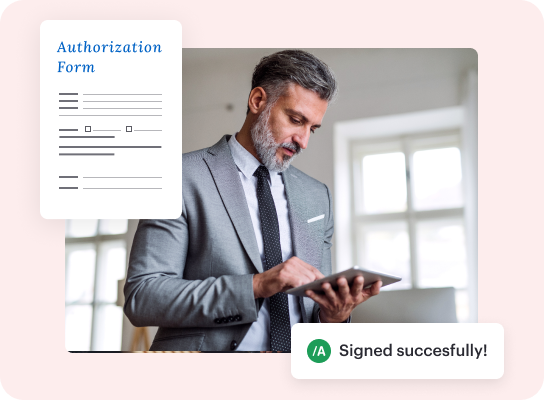
- Conversion and Archiving: Financial analysts and accountants often need to convert financial reports and statements between PDF and Excel for analysis. The PDF/A conversion ensures that these documents are archived in a compliant and accessible format.
- Security and Confidentiality: The redaction feature ensures sensitive financial information remains confidential, and the e-Sign tool facilitates secure signing of financial agreements.
Real Estate
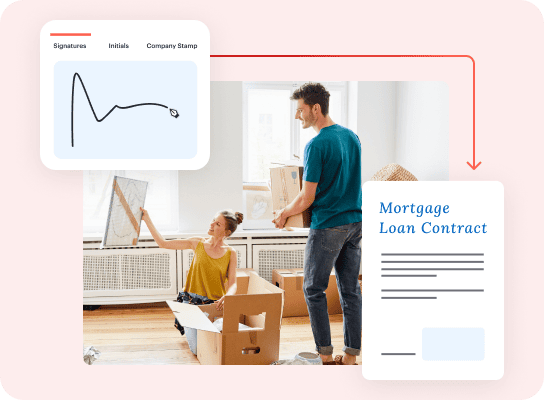
- e-Sign and Document Management: Real estate agents can expedite the signing process for contracts and agreements with the e-Sign feature. Merging, splitting, and annotating PDFs helps in managing property documents efficiently.
- Redaction: Securely redact personal information from documents before sharing them with potential buyers or renters, ensuring compliance with privacy regulations.
Insurance
- Claims and Policy Processing: Insurers handle a constant flow of claim forms, policy documents, and supporting evidence. OCR turns scanned forms and photographed documents into searchable text, while merging and splitting keeps every claim file organized from first notice to settlement.
- e-Sign and Confidentiality: The e-Sign feature speeds up policy renewals and claim settlements with secure electronic signing. Redaction removes personal and medical data before files are shared with brokers, adjusters, or third parties, supporting compliance with privacy regulations.

Healthcare
- Patient Records Management: Healthcare professionals handle a vast amount of patient data, from medical histories to lab results. iLovePDF enables easy document merging, splitting, and organizing to maintain accurate and up-to-date records.
- Data Security & Compliance: iLovePDF's redaction tools help securely remove sensitive patient information from documents before sharing, ensuring compliance with healthcare privacy regulations like HIPAA.

Our technology partners


Your documents deserve the best protection
Learn how we prioritise your data privacy and security
-
Data Encryption:
Robust encryption protocols (HTTPS and end-to-end encryption) ensure data protection both in transit and at rest. -
Compliance and Certifications:
iLovePDF is ISO/IEC 27001:2022 certified and GDPR compliant, adhering to global standards for information security and data privacy. -
Data Retention and Deletion:
Automatic deletion of processed files within two hours, with options for manual deletion to enhance user control. -
User Account Security:
Two-Factor Authentication (2FA) and centralized account management provide enhanced protection for user accounts.
Start with iLovePDF today




Let's find the right plan for your team
One platform for every PDF workflow in your organization, with the security, deployment options, and procurement terms enterprise teams need.
- Volume pricing that scales with your headcount
- Web, mobile or desktop deployment, your choice
- SSO, custom contracts & a dedicated Account Manager
Trusted by thousands of companies.
- Frequently asked questions about iLovePDF Business
-
Are our company files safe, and is iLovePDF compliant with data regulations?
Yes. iLovePDF is ISO/IEC 27001 certified and GDPR compliant. Regardless of the subscription type (Basic, Premium, or Business), all uploaded files are encrypted and deleted automatically after 2 hours. With Business, you can choose where your files are processed, in 11 regions.
-
Do you use our documents to train AI?
No. Your documents are never used to train AI models. They are processed only to perform the task you request, then deleted automatically.
-
Can companies use the Premium plan?
Yes. Premium works well for companies with up to 25 users. With it you get unlimited access to all of the tools on all available platforms (web, desktop, mobile), team management, one single bill for all users, and an invoice with VAT details. Choose Business if you have more than 25 users, or if you need single sign on (SSO), a custom contract, a dedicated account manager, or payment by bank transfer.
-
Is there an admin panel to manage users and permissions?
Yes, in both Premium and Business. The admin panel lets you add and remove users and manage licences. Business also includes SSO, so your team logs in with their company account.
-
Are your electronic signatures legally valid?
Yes. Our plans offer signing with Advanced Digital Signatures (AES), and iLovePDF complies with the main international standards, including eIDAS in the European Union and the ESIGN. These signed documents include an audit trail as proof of signature.
-
Can my organization choose where its files are processed?
Yes. iLovePDF Business lets you choose where your files are processed, with regions across Europe, APAC, North America, and South America, including Switzerland, exclusive to Business. Your team owner sets the region once for the whole workspace. Files stay in that region throughout processing, every region is ISO/IEC 27001 certified, and files are automatically deleted after 2 hours. PDF Intelligence tools are always processed in Europe.
-
Is the API included in my iLovePDF subscription?
No. The API is a separate product, iLoveAPI, made for developers who connect our tools to their own software. It needs its own account and uses its own credits. Web, desktop and mobile subscriptions do not include API credits.


